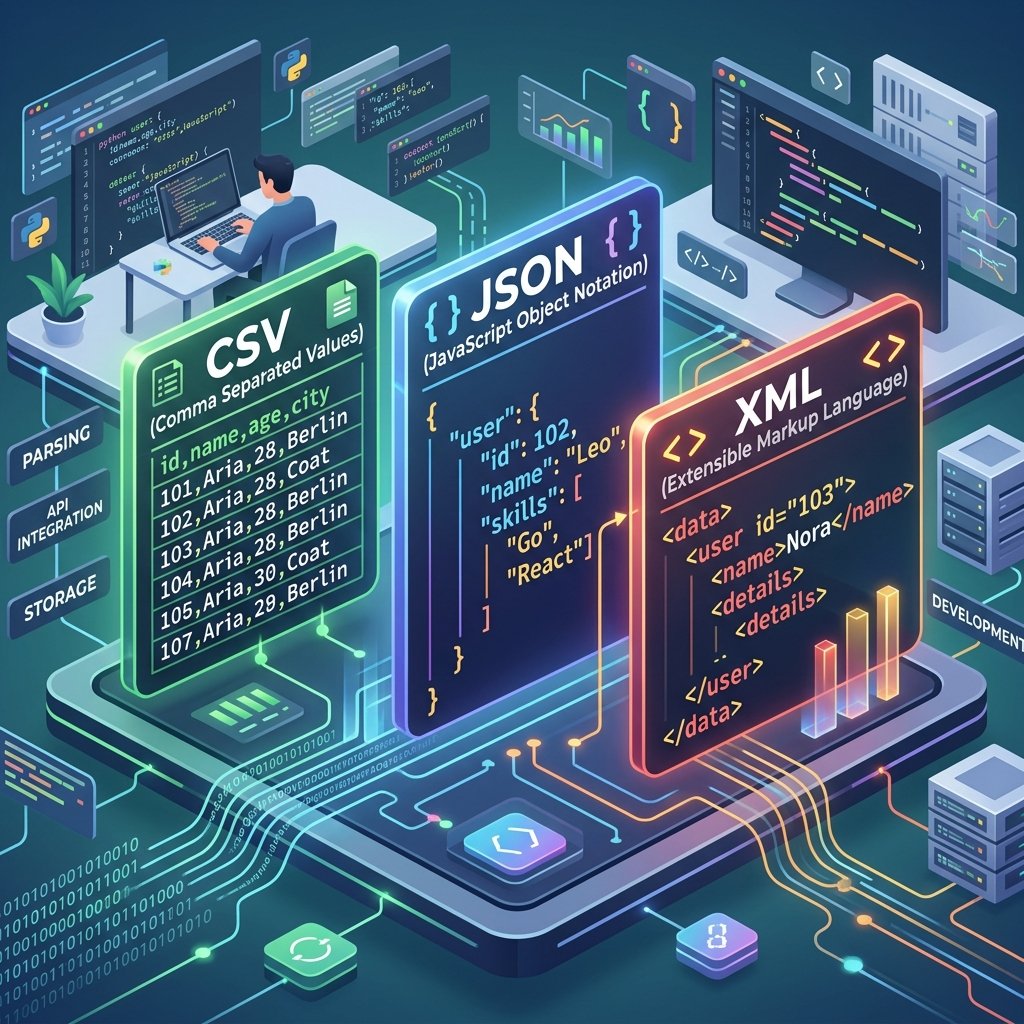
How to Convert JSON to XML - Quick Guide with Examples
JSON and XML are both data interchange formats, but they serve different ecosystems. JSON dominates the modern web - APIs, JavaScript applications, NoSQL databases. XML rules enterprise systems - SOAP services, configuration files, industry standards like HL7 (healthcare) and XBRL (financial reporting).
Sometimes you need to bridge these worlds. Here's how.
Why Convert JSON to XML?
The most common reason is integration. You're working with a modern application that speaks JSON, but you need to send data to a legacy system that only accepts XML. This happens constantly in enterprise environments where newer applications coexist with systems built 10-20 years ago.
Other scenarios:
Compliance requirements that mandate XML format
XSLT transformations that require XML input
RSS feeds that use XML syntax
Configuration files for systems that use XML configs
The Conversion Process
Basic JSON:
{
  "employee": {
    "name": "Sarah Chen",
    "department": "Engineering",
    "skills": ["Python", "React", "SQL"]
  }
}
Converts to XML:
<?xml version="1.0" encoding="UTF-8"?>
<root>
  <employee>
    <name>Sarah Chen</name>
    <department>Engineering</department>
    <skills>
      <item>Python</item>
      <item>React</item>
      <item>SQL</item>
    </skills>
  </employee>
</root>
Common Conversion Challenges
Arrays
JSON arrays don't have a direct XML equivalent. The converter has to choose how to represent them. Common approaches:
Repeated elements: Each array item becomes a child element with the same tag name
Indexed elements:
Wrapper elements: An outer element wraps individual item elements
Data Types
JSON distinguishes between strings ("hello"), numbers (42), booleans (true), and null (null). XML is all text. The type information is lost unless you add attributes or use XML Schema.
Attributes vs. Elements
XML supports both attributes and child elements. JSON has no concept of attributes. Converters typically map everything to child elements, but some tools use conventions like @ prefix to indicate attributes.
Special Characters
JSON strings can contain characters that are invalid in XML element names (spaces, special characters, numbers as the first character). Good converters handle this by sanitizing element names.
Using ZipDownloader.com
Open the JSON to XML tool
Upload your JSON file
Click Convert
Download the XML output
The converter handles arrays, nested objects, and special characters automatically.
Validation After Conversion
Always validate your XML output:
Well-formedness: Is it valid XML? (proper nesting, closed tags, proper encoding declaration)
Schema compliance: If the target system expects a specific XML schema, does the output conform?
Data integrity: Is all the JSON data present in the XML? No lost fields, no truncated values?
When to Use XML vs. JSON
In 2026, the general advice is: use JSON unless you have a specific reason to use XML. Those specific reasons include:
Integration with systems that require XML
Need for XML Schema validation
XSLT transformation workflows
Industry-standard formats (HL7, XBRL, SVG, RSS)
Legacy system compatibility
For new projects, APIs, and web applications, JSON is almost always the better choice - it's lighter, faster to parse, and natively supported by JavaScript.
Written by Waseem, a Senior Software Engineer with 12 years of experience in secure web infrastructure, file systems, and data processing. Founder and lead developer of ZipDownloader. Learn more about us →
Ready to try it yourself?
Use our professional tools to process your files safely and instantly in your browser.