AVIF Image Format Explained - Is It Time to Replace WebP and JPEG?
Every few years, a new image format emerges promising to make the web faster. PNG replaced GIF for static images. JPEG 2000 was supposed to replace JPEG (it didn't). WebP arrived in 2010 and took a decade to achieve mainstream adoption. Now AVIF is making similar promises - and this time, the technology might actually deliver.
AVIF (AV1 Image File Format) is based on the AV1 video codec, developed by the Alliance for Open Media - a consortium that includes Google, Apple, Microsoft, Mozilla, Netflix, and Amazon. Unlike previous format wars, the major players are aligned behind this one.
But should you actually use it? Let's separate the hype from the reality.
What Is AVIF?
AVIF is a next-generation image format that uses the AV1 codec's intra-frame compression for still images. In plain English: it takes the technology that makes streaming video efficient and applies it to photographs and graphics.
Key specifications:
Compression: Both lossy and lossless
Color depth: Up to 12-bit (vs. 8-bit for JPEG)
HDR support: Yes (important for modern displays)
Transparency: Yes (alpha channel)
Animation: Yes (like animated GIF but much smaller)
Maximum resolution: 65536 �- 65536 pixels
AVIF vs. JPEG vs. WebP: Real Numbers
Let's compare using the same source photograph at equivalent visual quality:
| Format | File Size | Savings vs JPEG |
|---|---|---|
| JPEG (quality 80) | 420 KB | - |
| WebP (quality 80) | 290 KB | 31% smaller |
| AVIF (quality 60) | 180 KB | 57% smaller |
At lower quality settings (where compression artifacts become visible):
| Format | File Size | Quality Score (SSIM) |
|---|---|---|
| JPEG (quality 40) | 120 KB | 0.92 |
| WebP (quality 40) | 105 KB | 0.94 |
| AVIF (quality 30) | 85 KB | 0.95 |
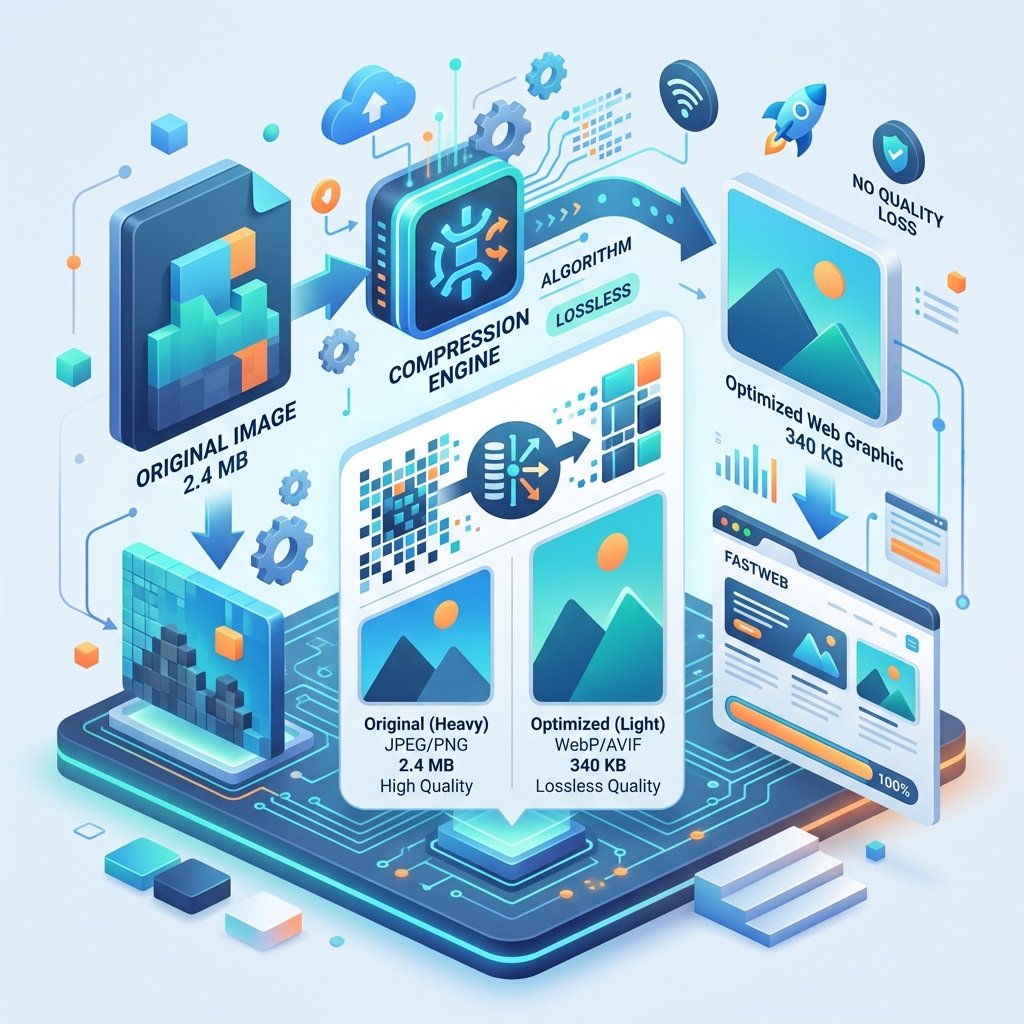
AVIF produces smaller files AND higher quality at aggressive compression levels. This isn't a marginal improvement - it's a generational leap.
Browser Support in 2026
AVIF support has improved dramatically:
Chrome: Full support since version 85 (2020)
Firefox: Full support since version 93 (2021)
Safari: Support since 16.4 (2023)
Edge: Full support (Chromium-based)
Samsung Internet: Full support
Opera: Full support
Current global support: ~93%
The 7% without support are mostly older mobile browsers and some niche browsers. For comparison, WebP reached this support level around 2020, about 10 years after its release.
When to Use AVIF
Definitely use AVIF for:
Photography-heavy websites - Portfolio sites, e-commerce, travel blogs
Hero images and banners - Where file size directly impacts LCP
Content-heavy pages - News sites, magazines, blogs with many images
Progressive web apps - Where performance is critical
Consider carefully:
Thumbnails and small images - The encoding overhead isn't worth it for very small images
Images requiring maximum compatibility - If your audience includes users on older devices
Real-time image generation - AVIF encoding is slower than JPEG/WebP
Don't use AVIF for:
Email - Almost no email client supports AVIF
Social media - Platforms don't accept AVIF uploads
Print - Print workflows expect TIFF, PDF, or JPEG
Implementation Strategy
The progressive enhancement approach
Use the HTML picture element to serve the best format each browser supports. Order matters - browsers use the first source they support:
AVIF (smallest, best quality)
WebP (good fallback, wide support)
JPEG (universal fallback)
This ensures every user gets the best format their browser supports.
Build tool integration
Most modern build tools support AVIF:
Vite/Webpack: Use image optimization plugins that output multiple formats
Next.js: Built-in image optimization with AVIF support
Cloudinary/Imgix: Automatic format negotiation
CDN-level format negotiation
Many CDNs can detect the browser's Accept header and serve the optimal format automatically:
Cloudflare: Automatic AVIF/WebP delivery
Fastly: Image optimization API
AWS CloudFront: Lambda@Edge for format negotiation
Quality Comparison: Where AVIF Shines
AVIF excels in specific scenarios:
Photographs with gradients - Skin tones, sky, water. AVIF handles smooth gradients with almost no banding, while JPEG shows visible steps at low quality.
High-contrast edges - Text over images, sharp boundaries between colors. AVIF preserves edges cleanly while JPEG creates halos and artifacts.
Dark images - Night photography, dark themes. AVIF's 10-bit color depth prevents the posterization (banding in shadows) common with 8-bit JPEG.
Transparency - Where PNG was required for transparency, AVIF provides the same feature at a fraction of the file size.
The Encoding Trade-off
AVIF's biggest weakness is encoding speed. Creating an AVIF file takes 5–10x longer than JPEG and 2–3x longer than WebP. This matters for:
Real-time image processing (e.g., user-uploaded photos that need immediate display)
Build pipelines processing thousands of images
On-the-fly image transformation services
The solution: encode AVIF offline or during build time, and cache aggressively. For user-uploaded content, serve WebP or JPEG immediately and generate AVIF asynchronously.
The Bottom Line
AVIF is not a future technology - it's a present-day improvement that's ready for production use. With 93%+ browser support, 50% smaller files than JPEG, and backing from every major tech company, the question isn't whether to adopt AVIF - it's how quickly you can implement it.
Start with your highest-impact images (hero banners, product photos) and expand from there. Always provide WebP and JPEG fallbacks. And use ZipDownloader.com to convert between formats as needed - the right format for the right context is always the correct strategy.
Written by Waseem, a Senior Software Engineer with 12 years of experience in secure web infrastructure, file systems, and data processing. Founder and lead developer of ZipDownloader. Learn more about us →
Ready to try it yourself?
Use our professional tools to process your files safely and instantly in your browser.