SVG vs PNG: When to Use Which Image Format (2026 Guide)
You're designing a website, creating a presentation, or preparing files for print. You need to save an image, and two formats keep coming up: SVG and PNG. They look similar in some cases, but choosing wrong can mean blurry logos, bloated file sizes, or images that don't work where you need them.
Here's the straight answer on when to use each format — no jargon, just practical guidance.
The Core Difference in 30 Seconds
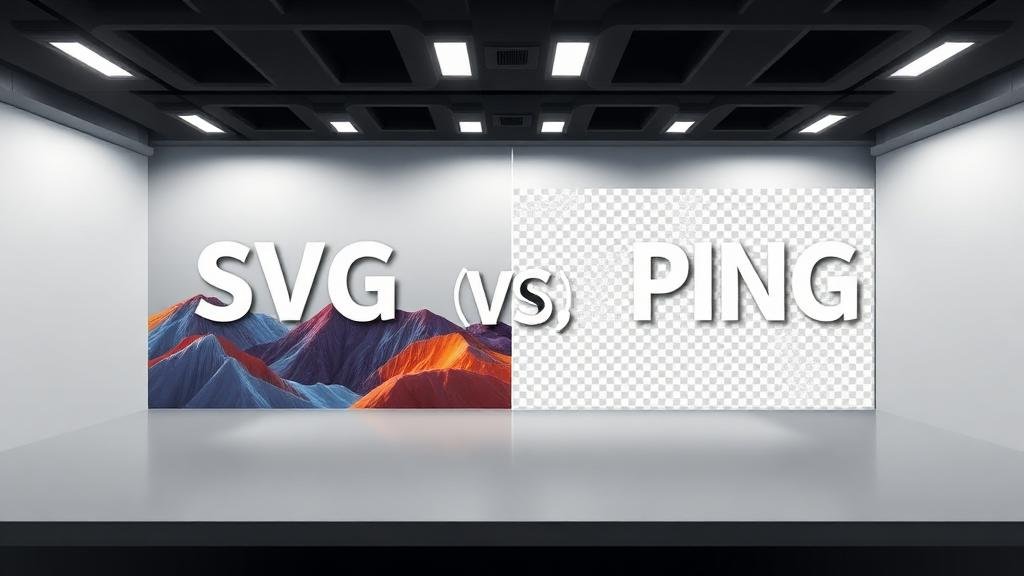
SVG (Scalable Vector Graphics) — Made of math. The file contains instructions like "draw a circle at position X with radius Y in color Z." Because it's math, it looks perfect at any size.
PNG (Portable Network Graphics) — Made of pixels. The file contains a grid of colored dots. Zooming in makes it blurry. It captures everything — photos, gradients, complex textures.
Think of it this way: SVG is like a recipe (instructions to recreate), PNG is like a photograph (a snapshot of the final result).
Quick Decision Matrix
| Use Case | Best Format | Why |
|---|---|---|
| Logo on website | SVG | Scales perfectly on any screen |
| Logo for print | SVG | Scales to any size without blur |
| App/web icons | SVG | Crisp at any resolution |
| Photograph | PNG (or JPG) | Vectors can't represent photos |
| Screenshot | PNG | Pixel-perfect capture |
| Simple illustration | SVG | Smaller file, scalable |
| Complex artwork | PNG | Too many details for vectors |
| Animated icon | SVG | CSS/JS animation support |
| Social media image | PNG | Fixed dimensions, universal |
| Favicon | SVG + PNG | SVG for modern, PNG for fallback |
When SVG Wins
1. Logos
A logo needs to look sharp whether it's a 16x16 favicon or a 6-foot banner. SVG handles this effortlessly. One file works everywhere.
2. Icons
Modern icon libraries (Lucide, Heroicons, Feather) use SVG because icons must be sharp at 16px, 24px, 32px, and any size in between. PNG icons need separate files for each size.
3. Interactive Graphics
SVG elements can be styled with CSS, animated with JavaScript, and respond to hover/click events. Try doing that with a PNG.
4. Text-Heavy Graphics
Infographics, charts, and diagrams with text stay crisp in SVG. PNG versions become blurry when scaled or look pixelated on high-DPI screens.
5. Web Performance
A simple SVG icon might be 500 bytes. The equivalent PNG at multiple resolutions could be 5-10KB. Multiply by dozens of icons on a page, and SVG saves significant bandwidth.
When PNG Wins
1. Photographs
Photos have millions of colors and complex textures that vectors simply can't reproduce. A photo as SVG would either look terrible or be an enormous file.
2. Screenshots
Screenshots are pixel-based by nature. PNG captures them perfectly with lossless compression.
3. Complex Artwork
Digital paintings, photo manipulations, and detailed illustrations with gradients, textures, and effects are better served by PNG.
4. Transparency with Complexity
While SVG supports transparency, complex images with semi-transparent layers (like glass effects or smoke) are easier to handle as PNG.
5. Universal Compatibility
Every program, every platform, every device understands PNG. SVG support is nearly universal for web, but some email clients, older apps, and certain platforms still struggle with SVG.
File Size Comparison
The size difference depends entirely on the content:
Simple Logo (Circle + Text)
SVG: ~2 KB
PNG (100x100): ~5 KB
PNG (500x500): ~25 KB
PNG (1000x1000): ~85 KB
Photograph (Landscape)
SVG: Not applicable
PNG (1920x1080): ~3-5 MB
JPG (1920x1080): ~300-800 KB
For simple graphics, SVG is dramatically smaller. For photographs, PNG is appropriate but JPG is usually better.
SVG Accessibility Benefits
SVG has a significant accessibility advantage: the text inside SVG files is actual text, not pixels. This means:
Screen readers can read SVG text
Search engines can index SVG content
Users can select and copy text from SVG images
SVG supports ARIA labels and roles
For PNG, any text in the image is invisible to screen readers. You must provide alt text separately.
Converting Between SVG and PNG
SVG to PNG
This is straightforward — you're converting math to pixels:
Use ZipDownloader.com's image converter
Upload your SVG file
Choose PNG as output
Select your desired dimensions
Download
PNG to SVG
This is trickier — you're trying to extract math from pixels:
Simple images (logos, icons with flat colors): Auto-trace tools can produce decent results
Complex images (photos, detailed art): Conversion produces poor results. You'd need to manually recreate the image as vector art.
Best Practices for Web Developers
Inline SVG for Icons
Instead of loading SVG as an image, embed it directly in HTML for maximum control:
This allows CSS styling, JavaScript interaction, and eliminates an extra HTTP request.
Responsive PNG Images
Use the srcset attribute to serve different PNG sizes based on screen resolution. This prevents serving oversized images to mobile devices.
SVG Sprites
Combine multiple SVG icons into one file and reference them individually. This reduces HTTP requests while keeping the benefits of individual SVG icons.
The Bottom Line
The format choice is almost always obvious once you understand the fundamental difference:
Is it made of simple shapes and lines? → SVG
Is it a photo or complex visual? → PNG (or JPG)
Does it need to scale to unknown sizes? → SVG
Does it need universal compatibility? → PNG
When in doubt, ask yourself: "Could I reasonably draw this in a vector editor?" If yes, use SVG. If not, use PNG. And when you need to convert between them, ZipDownloader.com handles both directions quickly and free.
Written by Waseem, a software developer with 8 years of experience in web tools, file systems, and data processing. Founder and lead developer of ZipDownloader. Learn more about us →
Ready to try it yourself?
Use our professional tools to process your files safely and instantly in your browser.