What Is WEBP Format and Why Should You Care About It in 2026?
If you run a website, care about page speed, or just want your images to load faster, WEBP is a format you need to know about. Developed by Google and released in 2010, it's taken over a decade to reach mainstream adoption - but in 2026, it's finally everywhere, and for good reason.
What Makes WEBP Different?
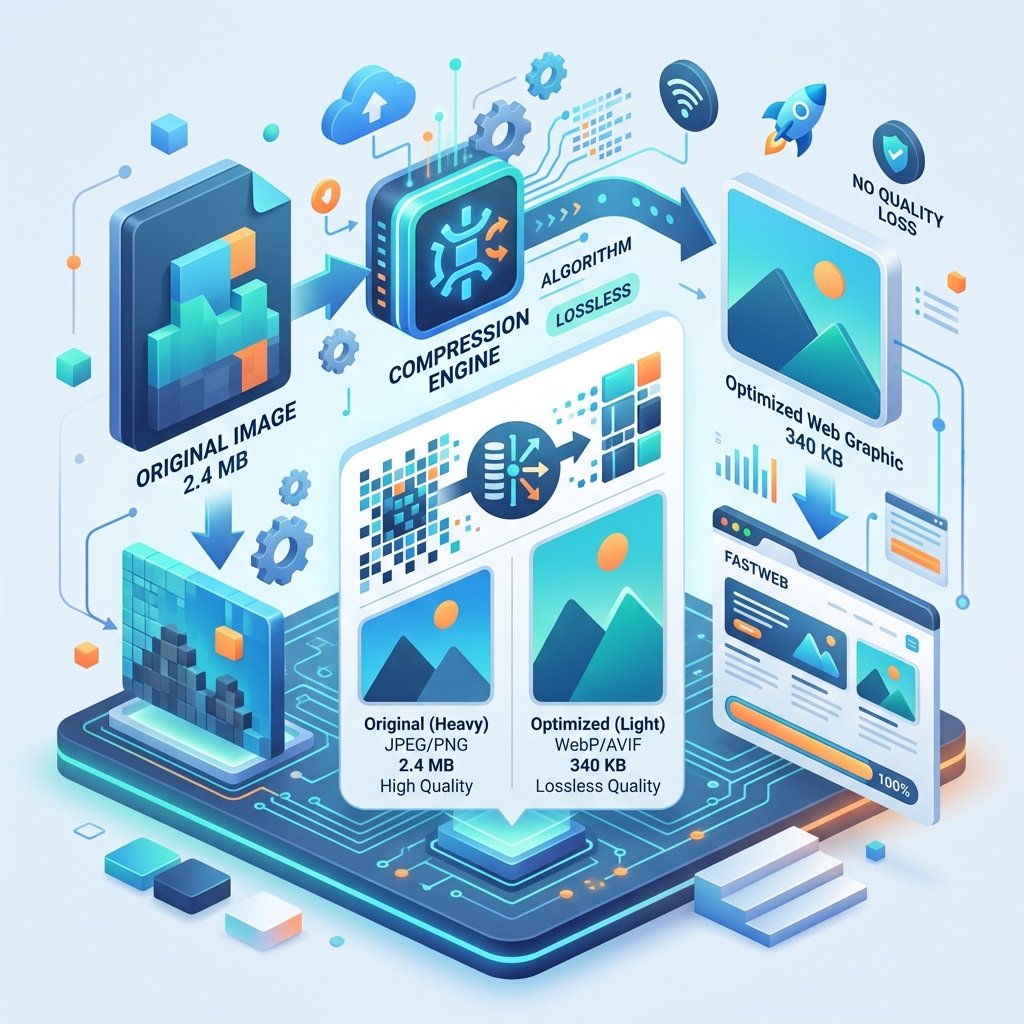
WEBP is an image format that uses advanced compression techniques to produce files that are significantly smaller than JPG and PNG equivalents - without any visible quality loss.
Here's what that looks like in practice:
A JPG photo at 80% quality: 400 KB
The same image as WEBP at equivalent quality: 280 KB
A PNG screenshot: 1.2 MB
The same screenshot as WEBP (lossless): 800 KB
That's a 25-35% reduction for photographs and a 30-40% reduction for graphics. When you multiply that across a website with hundreds of images, the bandwidth savings are enormous.
Why WEBP Matters for Websites
Google's own research shows that a one-second delay in page load time can reduce conversions by 7%. Images are typically the heaviest elements on a web page, often accounting for 50-80% of total page weight.
Switching from JPG/PNG to WEBP can:
Reduce page load times by 20-30%
Improve Core Web Vitals scores (which affect SEO)
Save bandwidth costs for high-traffic sites
Improve user experience on mobile connections
Browser Support in 2026
The biggest obstacle to WEBP adoption was browser support. That's no longer an issue. As of 2026:
✅ Chrome (since 2014)
✅ Firefox (since 2019)
✅ Safari (since 2020)
✅ Edge (since 2018)
✅ All mobile browsers
The only scenario where you might need a fallback is if you're serving content to very old, unsupported browsers - which represents less than 1% of web traffic.
How to Convert Your Images to WEBP
On ZipDownloader.com, converting to WEBP is instant:
Select the JPG to WEBP or PNG to WEBP tool.
Upload your image.
Download the WEBP version.
The conversion happens entirely in your browser - your image never leaves your computer. It's fast, private, and free.
When NOT to Use WEBP
WEBP isn't the answer to everything:
Print materials - Printers expect TIFF, PDF, or high-resolution JPG. WEBP isn't designed for print workflows.
Sharing on social media - Most platforms accept JPG and PNG natively. Some may re-compress WEBP in unexpected ways.
Archival purposes - If you're storing master copies of images, use PNG (lossless) or TIFF. WEBP lossy compression, while excellent, is still lossy.
Email attachments - Many email clients may not display WEBP images inline. Stick to JPG for email.
The SEO Connection
Google has publicly stated that page speed is a ranking factor. Faster-loading pages rank higher. Since images are usually the biggest contributor to page weight, converting them to WEBP is one of the easiest SEO wins you can get.
It's not a silver bullet - you still need great content, good backlinks, and proper technical SEO. But if two pages are otherwise equal and one loads a second faster because of WEBP images, that page will likely rank higher.
Written by Waseem, a Senior Software Engineer with 12 years of experience in secure web infrastructure, file systems, and data processing. Founder and lead developer of ZipDownloader. Learn more about us →
Ready to try it yourself?
Use our professional tools to process your files safely and instantly in your browser.