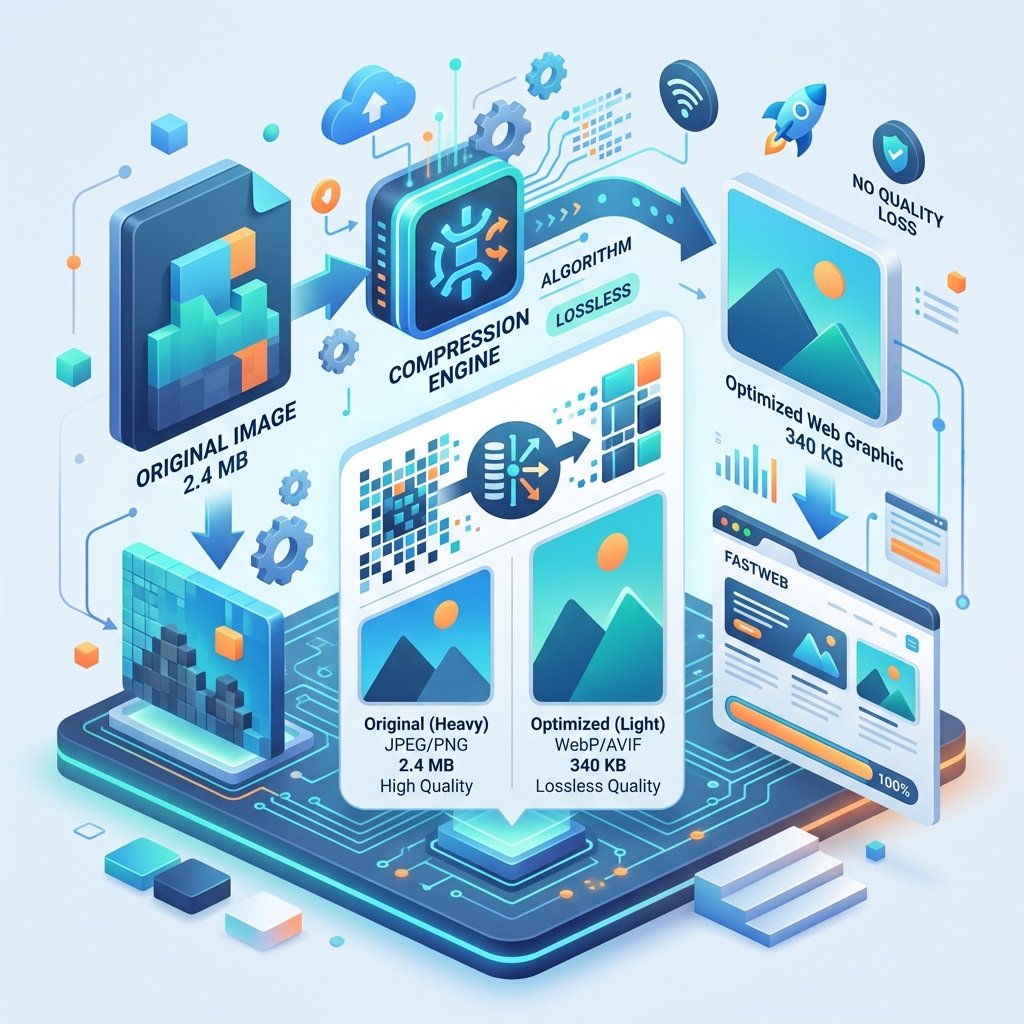
How to Convert WEBP to JPG - When and Why You'd Want To
You right-click an image from a website to save it. Instead of getting a familiar .jpg or .png file, you get a .webp file. You try to open it in your photo editor - unsupported format. You try to attach it to an email - the recipient can't view it. You try to upload it to a platform - format not accepted.
Welcome to the WEBP adoption gap. The format is technically superior, but the world hasn't fully caught up yet.
Why WEBP Causes Problems
WEBP is Google's modern image format. It produces smaller files with better quality than JPG. It's supported by all modern web browsers. And increasingly, it's the default format when you download images from the web.
But here's where it falls short:
Older image editors (Photoshop versions before 2022, older GIMP versions) can't open WEBP
Some email clients don't display WEBP images inline
Certain platforms (some social media, job portals, government sites) only accept JPG or PNG
Printing services typically require JPG, TIFF, or PDF - not WEBP
How to Convert WEBP to JPG
On ZipDownloader.com:
Open the WEBP to JPG tool
Upload your WEBP image(s)
Click Convert
Download the JPG version
The conversion happens in your browser - instant, private, and free.
Will You Lose Quality?
Technically, yes - you're converting from one lossy format to another. But practically? The difference is invisible to the human eye.
Here's what happens:
The WEBP file is decoded to raw pixel data
The raw pixels are re-encoded as JPG
The JPG compression introduces its own slight quality loss
The total quality loss from WEBP → JPG is typically less than 2-3%. Unless you're doing professional photo editing where every bit matters, you won't notice.
WEBP to JPG vs. WEBP to PNG
If you want zero quality loss, convert WEBP to PNG instead. PNG is lossless - every pixel is preserved exactly. The trade-off is larger file sizes (3-5�- larger than JPG for photographs).
Convert to JPG when: You need small files, you're sharing photos, or the platform requires JPG.
Convert to PNG when: You need perfect quality, the image has transparency, or you need lossless preservation.
Batch Converting WEBP Files
If you regularly download images from the web, you'll accumulate WEBP files quickly. Instead of converting them one at a time:
Collect all your WEBP files in one folder
Upload them all to the converter at once
Download all the JPGs
Replace the WEBP files with the JPGs
This batch approach saves significant time if you're converting more than a few files.
Preventing the Problem
If you're tired of downloading WEBP files from the web, there are a few approaches:
Use a browser extension that forces downloads in JPG/PNG format
Right-click and choose "Copy image" instead of "Save image as" - then paste into an image editor and save as JPG
Bookmark ZipDownloader.com for quick conversions when WEBP files inevitably appear
The reality is that WEBP is the future. As more tools and platforms add native support, the need for conversion will decrease. But until then, having a reliable converter on hand is essential.
Written by Waseem, a Senior Software Engineer with 12 years of experience in secure web infrastructure, file systems, and data processing. Founder and lead developer of ZipDownloader. Learn more about us →
Ready to try it yourself?
Use our professional tools to process your files safely and instantly in your browser.