Why You Should Password Protect Your ZIP Files
We send sensitive information over the internet every single day. Financial documents, client contracts, personal photos, and proprietary source code. While you might trust your email provider, what happens if that email is forwarded to the wrong person, or if a recipient's account is compromised?
This is why password-protecting your ZIP files is one of the simplest yet most effective cybersecurity habits you can build.
What Does Password Protection Actually Do?
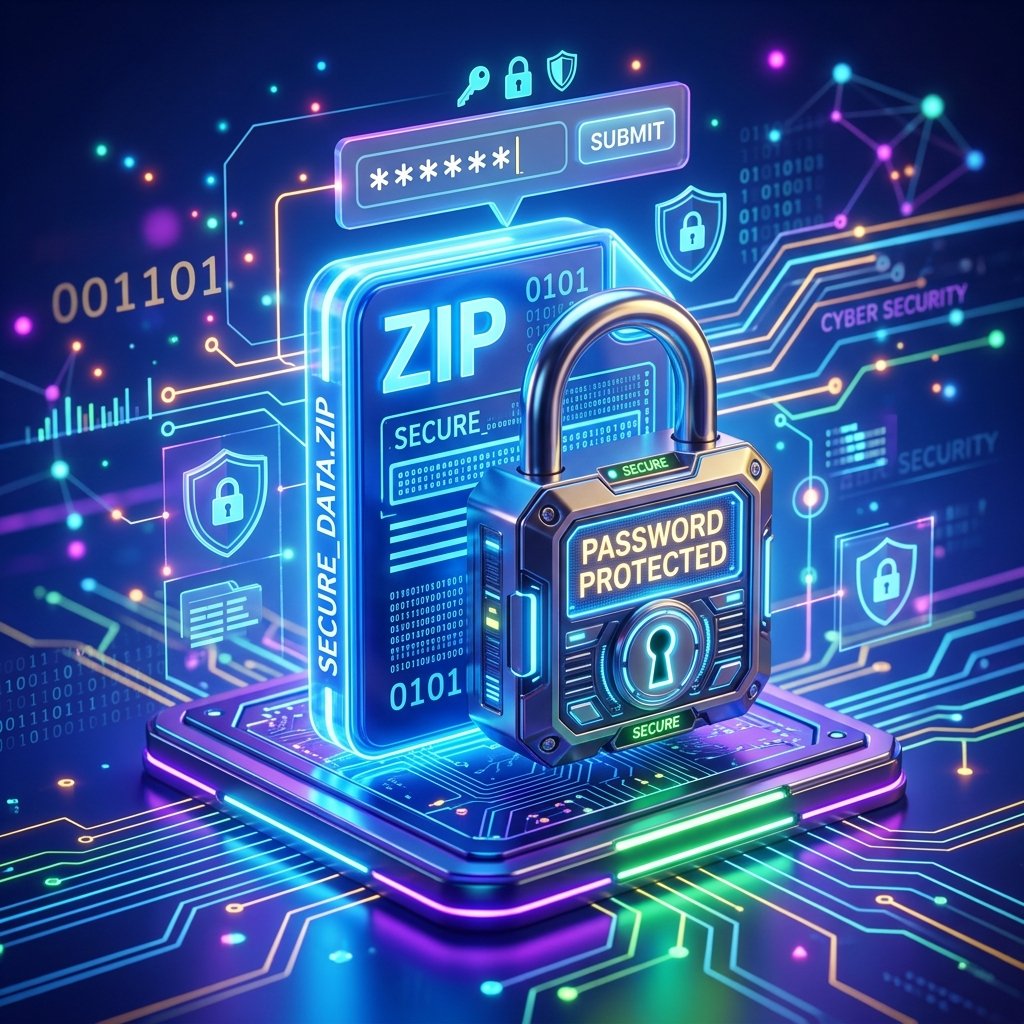
When you add a password to a ZIP file, you aren't just putting a lock on the door - you're scrambling the contents inside. Modern ZIP encryption uses AES-256 (Advanced Encryption Standard), which is the same level of encryption used by banks and governments.
Without the exact password, the data inside the ZIP file is mathematically impossible to read. Even if a hacker intercepts your file, all they have is a useless block of scrambled data.
3 Reasons You Must Encrypt Sensitive Files
1. The "Oops" Factor
Have you ever hit "Reply All" when you shouldn't have? Or typed the wrong name in the "To" field? If you attach a plain PDF or unencrypted ZIP, that sensitive data is instantly exposed. If the ZIP is encrypted, your mistake is harmless because the unintended recipient doesn't have the password.
2. Cloud Storage Breaches
If you back up your tax returns or business documents to a cloud service (like Dropbox or Google Drive), those files are generally secure. But if your account is hacked, the attacker gets everything. If those files were stored inside an encrypted ZIP, the attacker gets nothing.
3. Compliance and Professionalism
If you handle client data (especially in healthcare, law, or finance), you are often legally required to protect that data in transit. Sending an encrypted ZIP shows your clients that you take their privacy seriously.
How to Do It
Creating a secure archive doesn't require technical expertise. While our online Create ZIP tool is great for fast, standard compression, we always recommend using local software (like 7-Zip for Windows or Keka for Mac) when handling highly sensitive data that requires AES-256 encryption.
Pro tip: Never send the password in the same email as the ZIP file! Send the file via email, and send the password via a secure messaging app like Signal or SMS.
Written by Waseem, a Senior Software Engineer with 12 years of experience in secure web infrastructure, file systems, and data processing. Founder and lead developer of ZipDownloader. Learn more about us →
Ready to try it yourself?
Use our professional tools to process your files safely and instantly in your browser.